Category: Networking, Troubleshooting, Windows
Problem
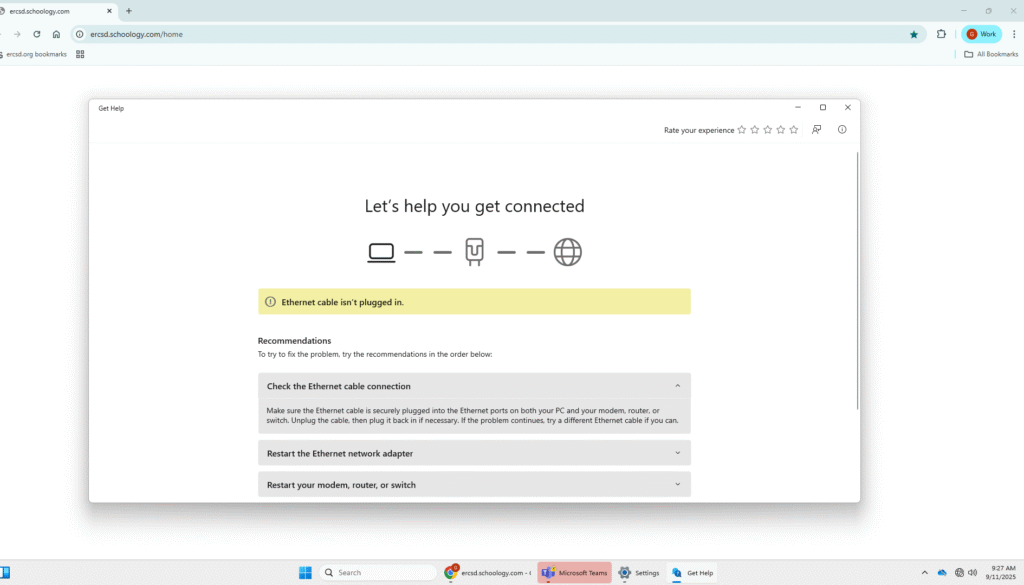
While working on a school desktop, the machine displayed a “No Internet Connection” error. The device was physically connected to the network via Ethernet, but it could not access the internet.
Troubleshooting Steps
- Checked physical connection
- Unplugged and reconnected the Ethernet cable.
- No change in connectivity.
- Inspected network adapter settings
- Confirmed the adapter was enabled but not resolving connectivity.
- Reset the network adapter
- Performed a reset through Windows Network & Internet settings.
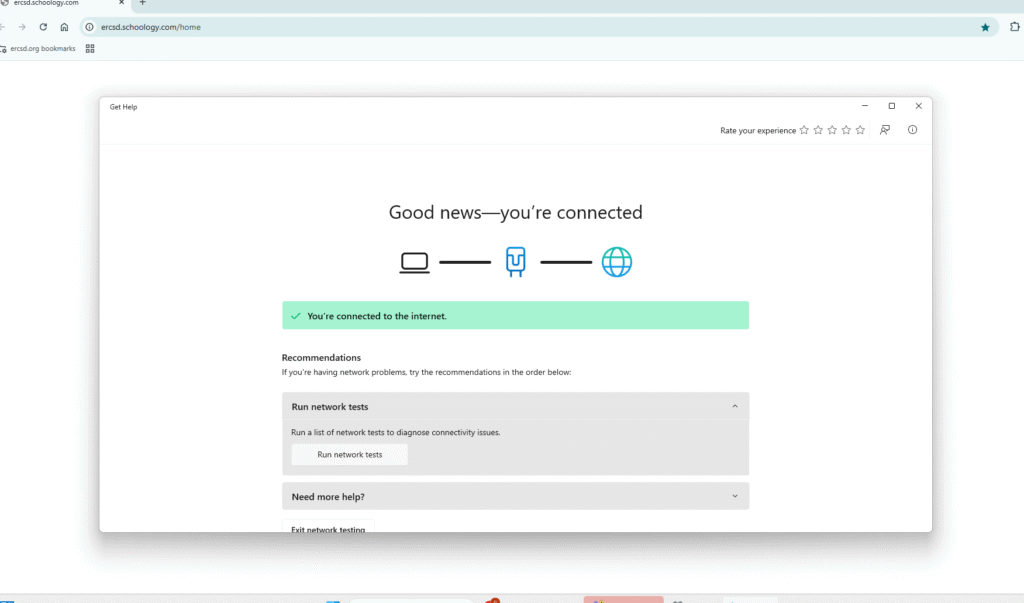
- Adapter reinitialized successfully.
Resolution
After resetting the network adapter, the desktop regained internet connectivity.
Skills Demonstrated
- Logical troubleshooting across physical and software layers.
- Familiarity with Windows network settings.
- Quick diagnosis and resolution under real-world conditions.