Overview
Built a full Active Directory lab using Windows Server 2025 running on VMware ESXi. The goal was to simulate a realistic enterprise domain setup, not just “get AD working”, but structure it the way you’d see in a real environment.
This lab is part of a larger enterprise testing ground I’m building for hands-on practice.
Lab Environment
- Hypervisor: VMware ESXi 7.0
- Server OS: Windows Server 2025 Datacenter (Desktop Experience)
- VM Name: DC01
- Storage: 3.8 TB SSD RAID datastore
- Hardware: Dell PowerEdge R630
Initial Setup
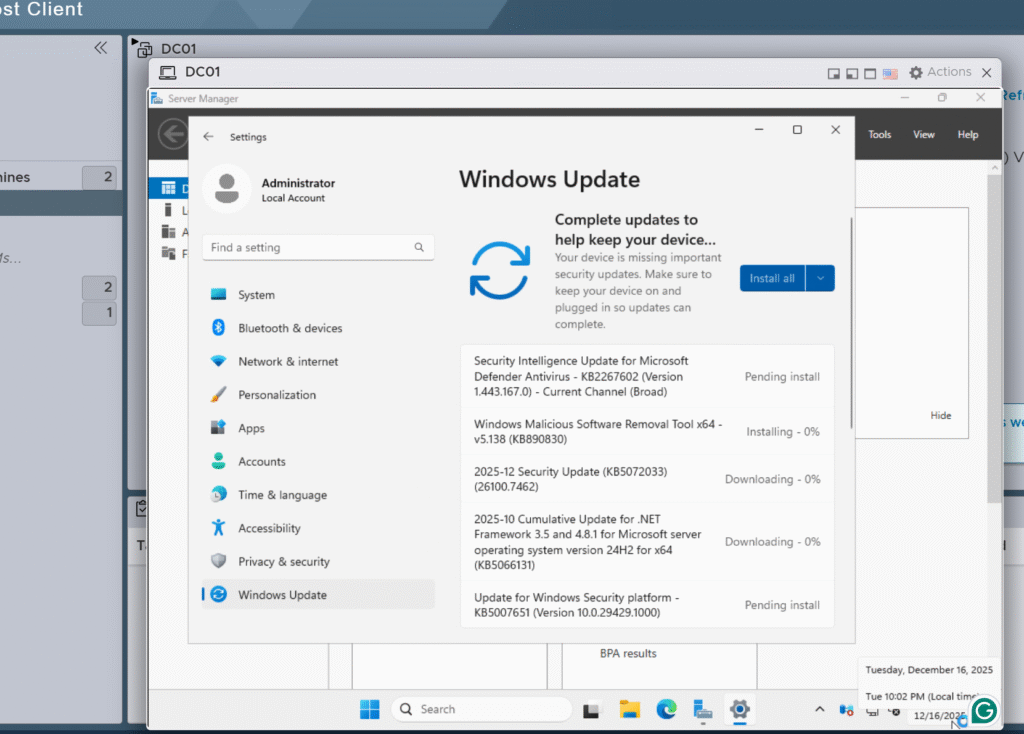
After deploying the VM, I ran Windows Updates before configuring any roles or settings.
Why:
Always patch first; this is a standard enterprise practice that avoids problems later.
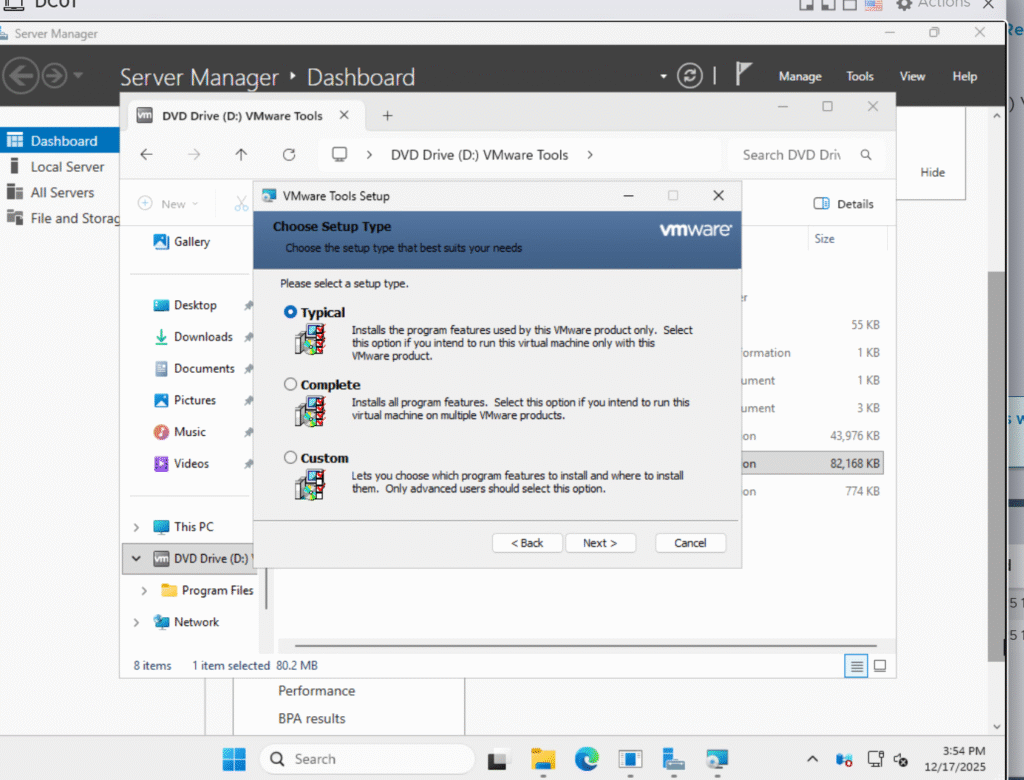
VMware Tools
Installed VMware Tools for proper drivers, performance, and ESXi integration.
Why:
Required for stable VM operation and proper management in a virtualized environment.
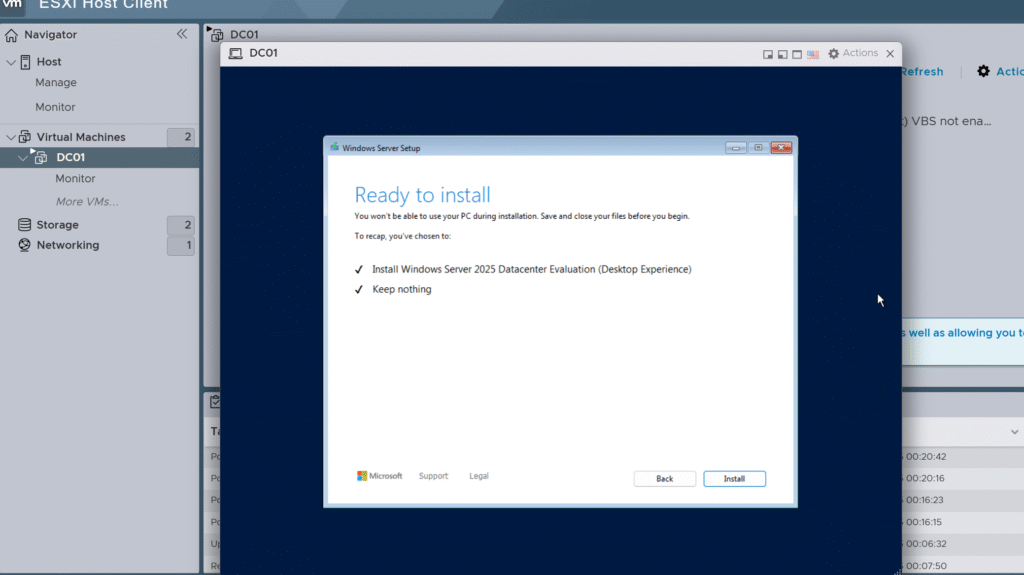
Server Prep
- Renamed the server to DC01
- Set a static IP
- Pointed DNS to itself
Why:
Domain Controllers need consistent naming and networking; doing this before AD saves headaches later.
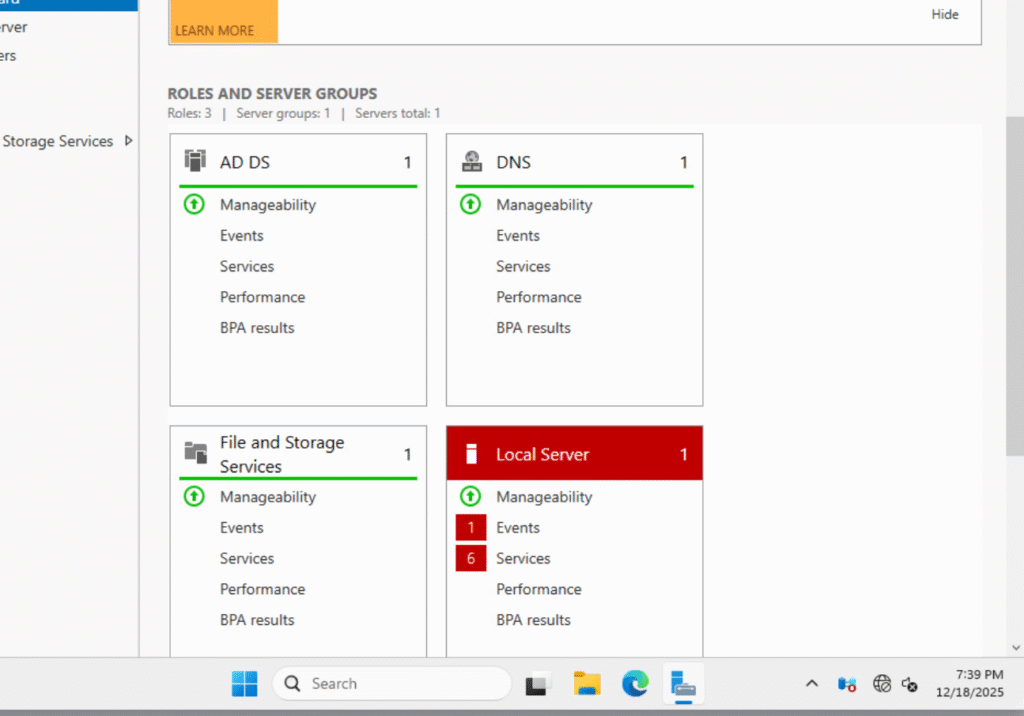
Active Directory Setup
- Installed Active Directory Domain Services
- Promoted the server to a Domain Controller
- Created a new forest:
lab.local
Why:
Active Directory centralizes authentication, user management, and policy enforcement.
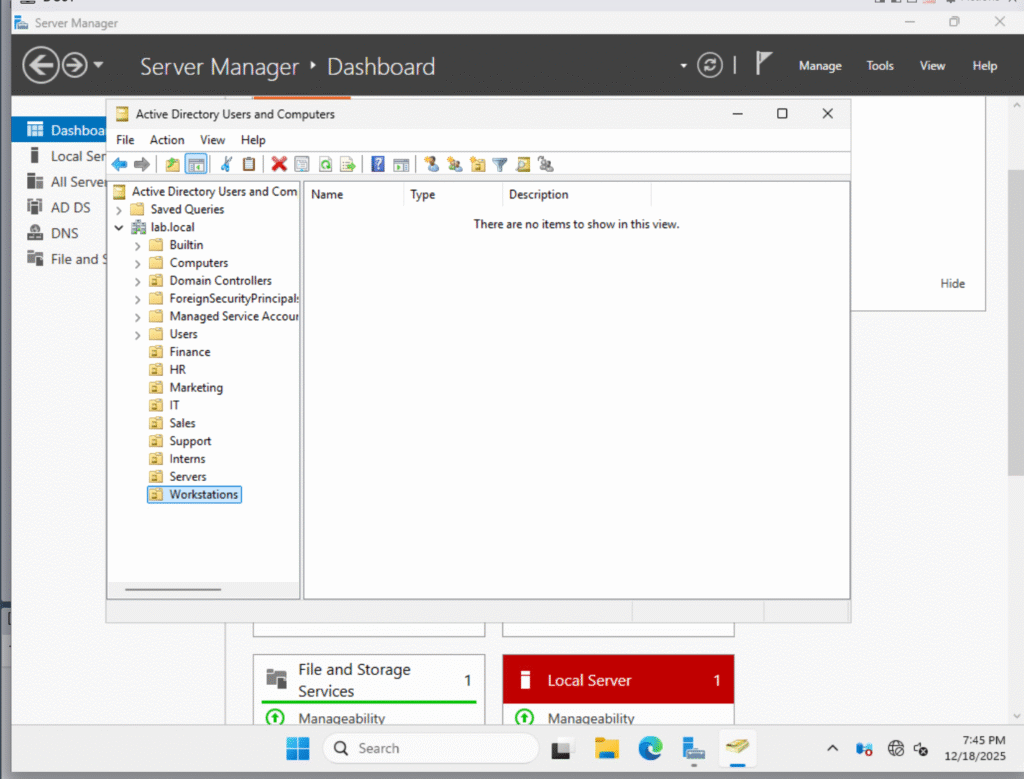
Organizational Units
Created OUs to match a typical enterprise layout:
- Finance
- HR
- Marketing
- IT
- Sales
- Support
- Interns
- Servers
- Workstations
Why:
OUs make it easier to apply policies and manage users at scale in real environments.
Users and Groups
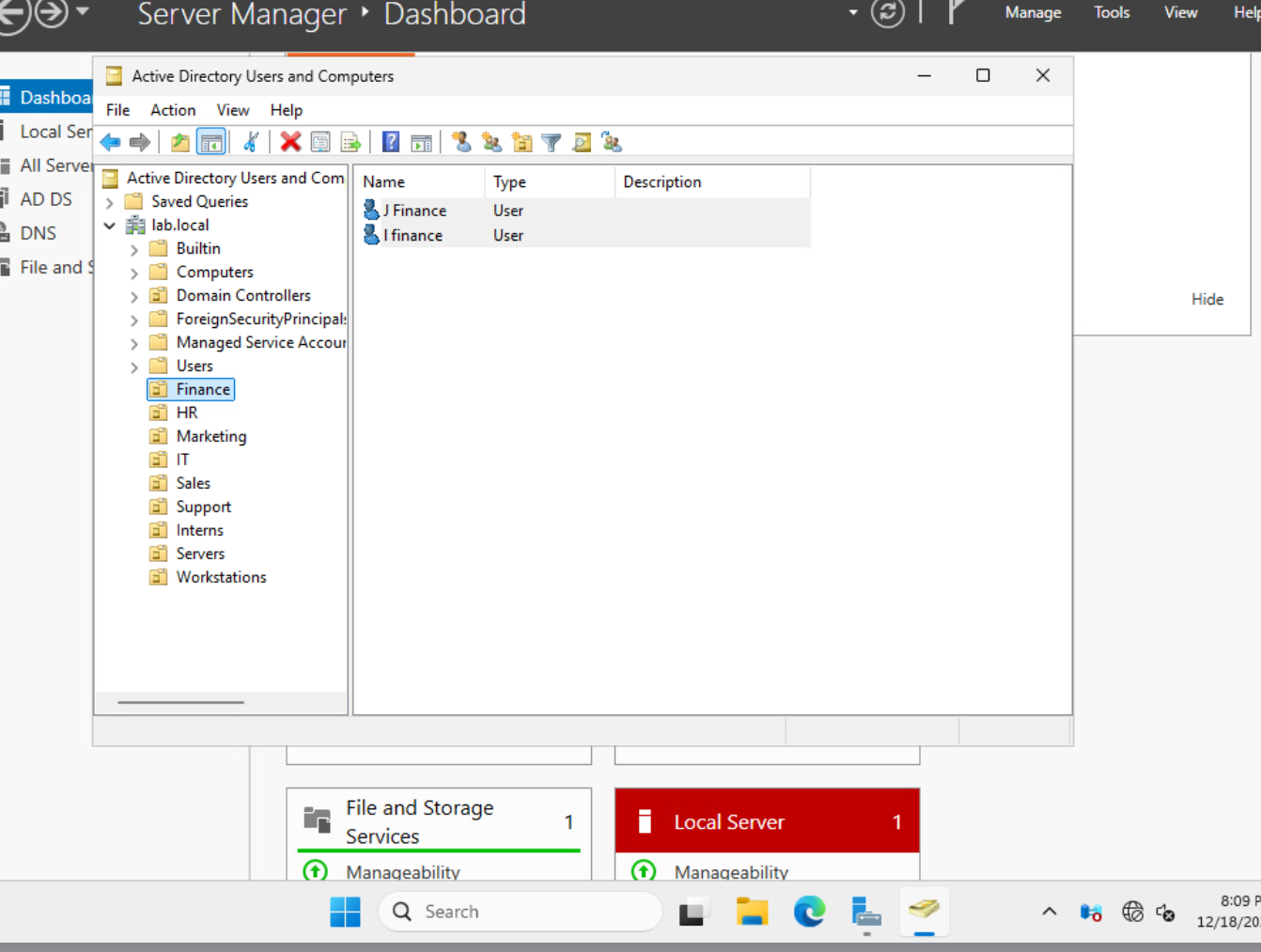
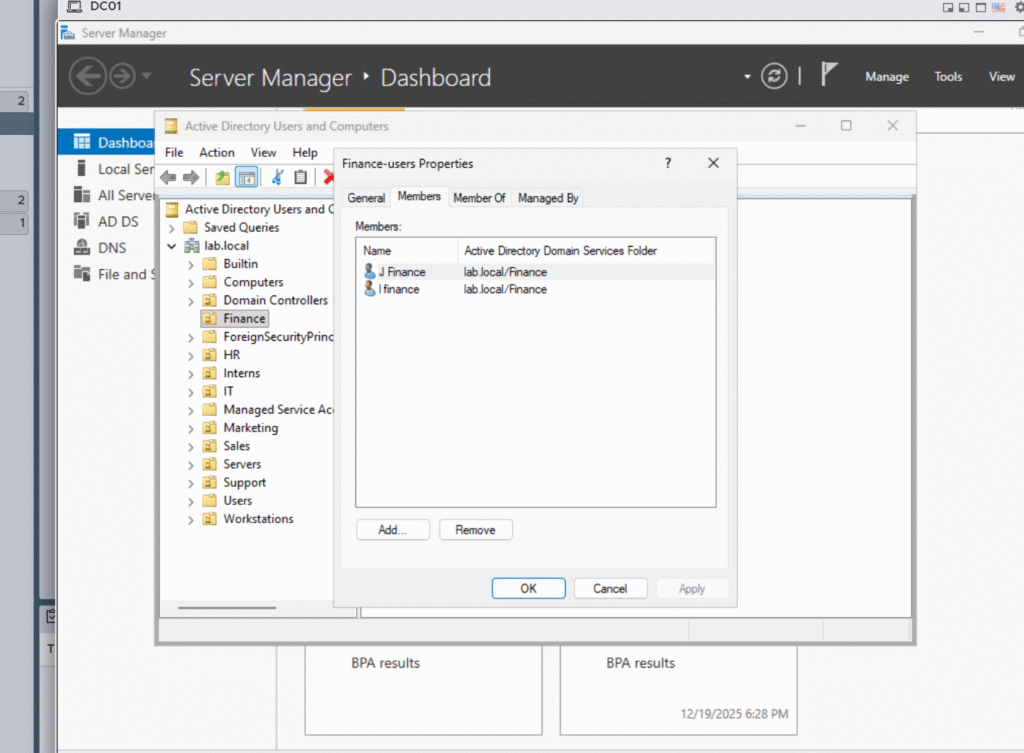
Created test users in each department and assigned them to security groups.
Examples:
- Finance-Users
- HR-Users
- IT-Admins
- Interns-Restricted
Only a couple of users are shown in screenshots to demonstrate the process.
Why:
Enterprise access is managed through groups, not individual permissions.
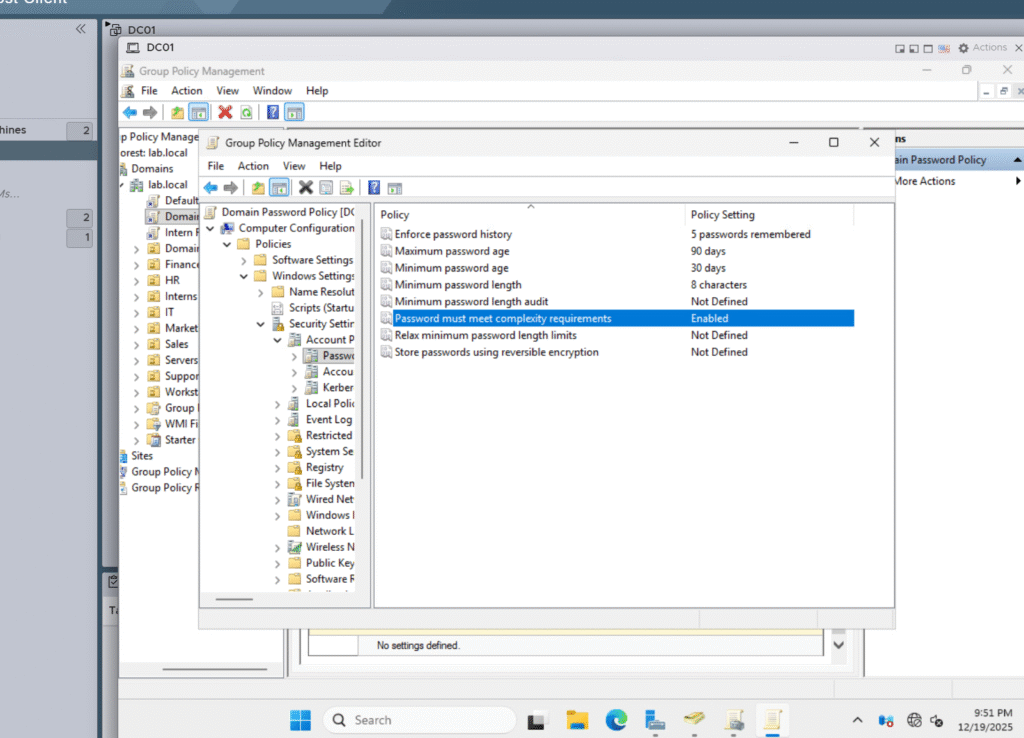
Basic Group Policy
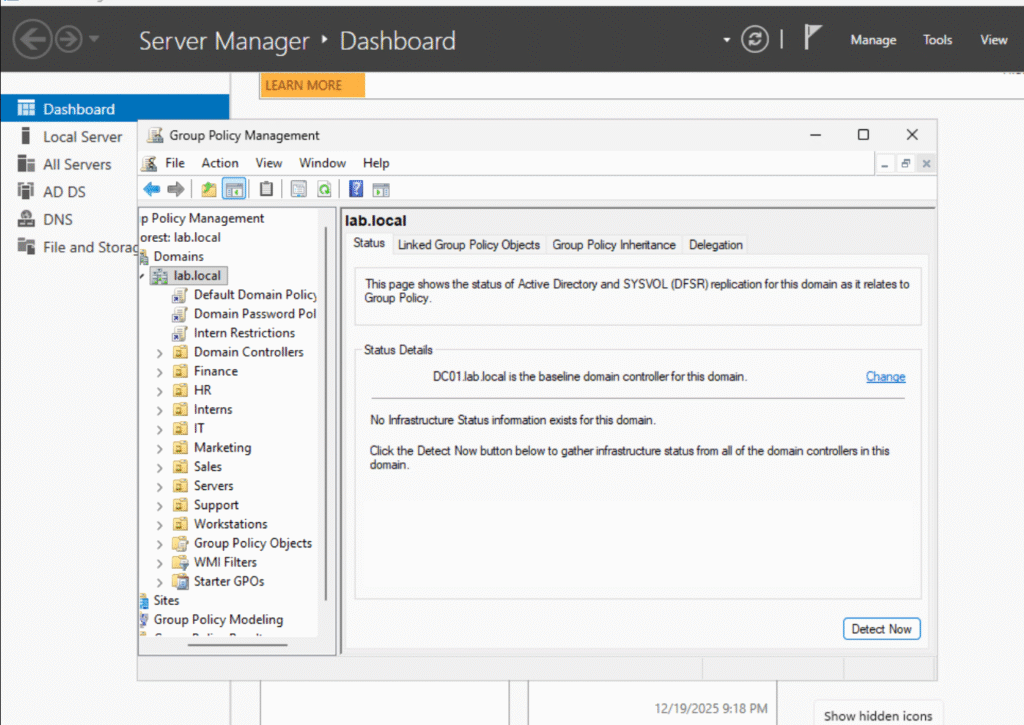
Set up basic GPOs such as:
- Password policy
- Restricted access for interns
Why:
Group Policy is a core tool for enforcing security and standard behavior across users and systems.
Result
This lab resulted in a fully functional Active Directory environment with:
- A properly configured Domain Controller
- Enterprise-style OU layout
- Users and security groups
- Basic Group Policies
- ESXi snapshots for safe rollback
This domain will be expanded in future labs with Windows 11 clients, file servers, WSUS, SCCM, and security tooling.